
3 Visual Tools that Boost Clarity in Presentation Slides
Excerpt from The Clarity Code: 3 Visual Tools That Instantly Boost Clarity (Book coming Fall 2025) Visual aids can do more than decorate your message; they can deliver it. But only when used with intention. In Chapter 10 of my upcoming book The Clarity Code: How to Communicate Complex Ideas with Simplicity and Power, I […]
Master Zoom Presentations: New Ways to Share PowerPoint Like a Pro
Tired of clunky screen shares and broken animations in Zoom? This short video (of me trying out the new layouts for the very first time) walks you through smarter, more polished ways to share your PowerPoint slides—including how to put yourself in the presentation. And, try to ignore the sound of my landscaper mowing the […]
PowerPoint Sharing Made Easy: A One-Screen Zoom Solution
Karen practiced sharing her slides before the meeting, but she still struggled during the meeting. It took her about 5 minutes at the start of her presentation to share her slides. People were patient and understanding (this was a Toastmasters meeting), but she was frustrated, and the impact of her opening was greatly reduced. People […]
4 Ways AI Can Improve Your Presentations

Is there anything AI can’t do? Artificial Intelligence (AI) generated the picture at the top, with the prompt, “A cute dog speaking at a conference, digital art.” AI even helped me write this article, in which I give you 4 easy ways that AI can improve your presentations and public speaking skills. The 4 ways […]
How to Guide Your Audience’s Attention in PowerPoint

Don’t be THAT presenter. You know, the one who does a data dump on their audience by using slides full of text or complex diagrams. Your audience may get confused or frustrated, and not focus on what you want them to. They may not listen to what you are saying as they try to take […]
Mini-Workshop: Make a Great First Impression Online
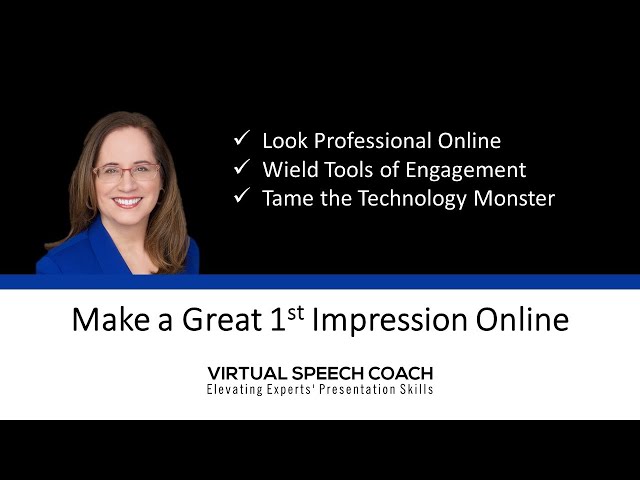
Make a great 1st impression online! Learn how in this Mini-Workshop (29 minutes). -Look Professional Online -Wield Tools of Engagement (online or in-person) -Tame the Technology Monster This presentation was in front of a live, virtual audience for PowerTalk Power Club (some of the audience interaction was edited out). RESOURCE PAGE MENTIONED IN THE VIDEO […]
Don’t Fumble Sharing Your Slides in Zoom!
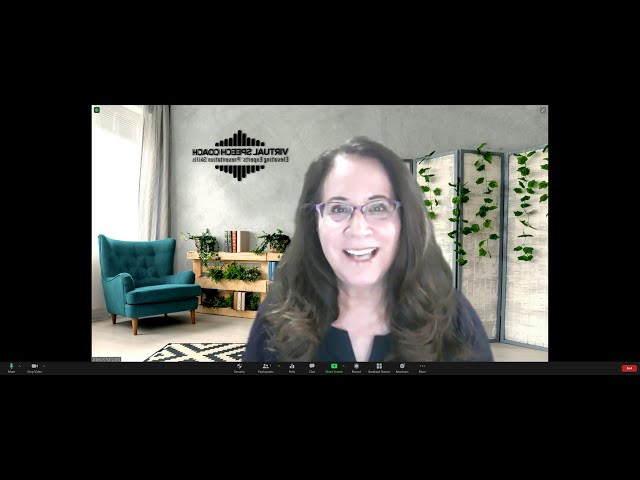
Don’t be THAT person–the one who fumbles sharing their slides, or shows all the thumbnails. In this video, you will see first the “bad” of what often happens, then how to share smoothly: 1. Get your slides ready to share, already in slideshow mode 2. Hit the green share button3. select your slides4. Share (blue […]
3 Ways to Share Slides as Zoom Background
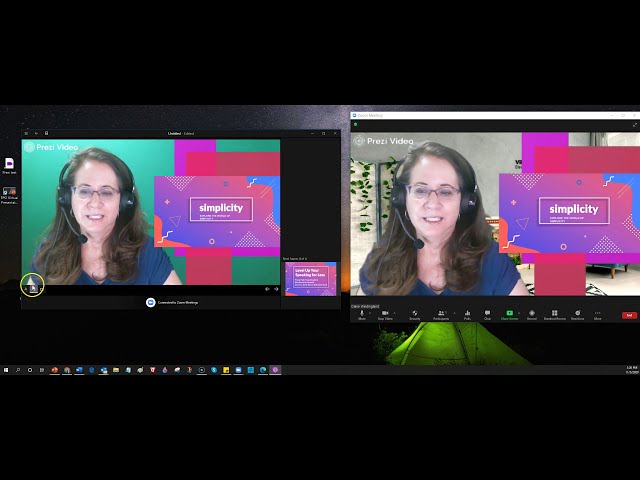
Have you noticed when you have been in the audience for a Zoom meeting and the speaker is sharing slides, how small the video looks? Of course, you can change your view option to “side-by-side” and adjust the relative sizes of the shared content and the speaker video, but do you want to count on […]
Instant Design: Slide Templates
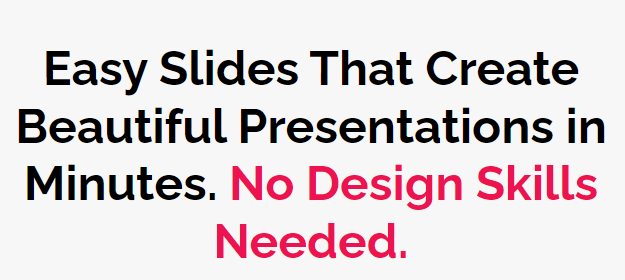
Do you want attractive PowerPoint slides, but you aren’t a designer? Would you like to create infographics, but you don’t want to start from scratch? Consider using a slide template resource, such as Simple Slides, where all the hard work has been done for you. For example, Instead of just having a quote with a […]
Will You Stand Up?
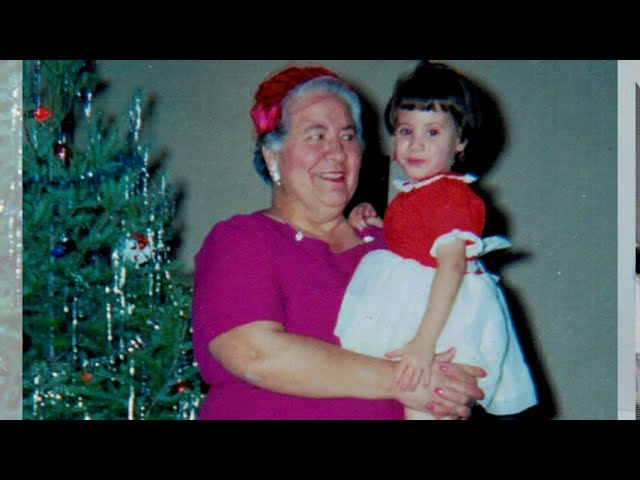
Grandparents Day is this Sunday, 9/13, and that made me think about my grandmother, my Italian Nana, and a leadership lesson she taught me about standing up for those with less privilege, standing up for those with less power. The video below is a narrated PowerPoint that I originally gave as a speech a couple […]
The “Covid 15”
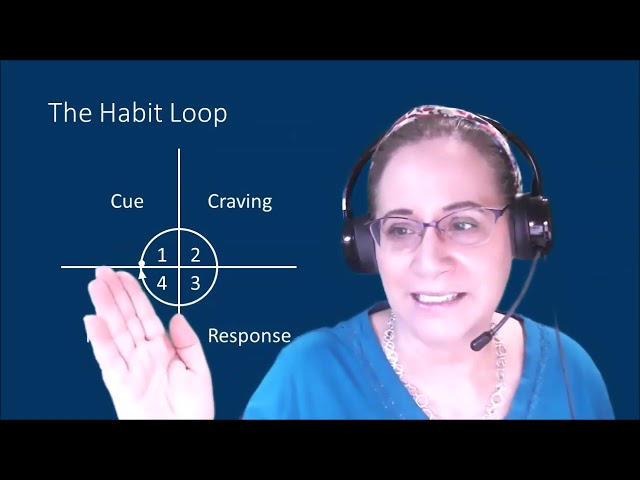
Do you want to create good habits or break bad habits? Using the example of the “Covid-15” weight gain, I show how to apply concepts from the book Atomic Habits in the following video (6:23, which was a practice for a speech that I’m giving tonight for my Readership Toastmasters Club). There are also a […]
2 Ways to Share PowerPoint in Zoom So the Slides Don’t Take Up the Whole Screen (& hide thumbnails)-Video
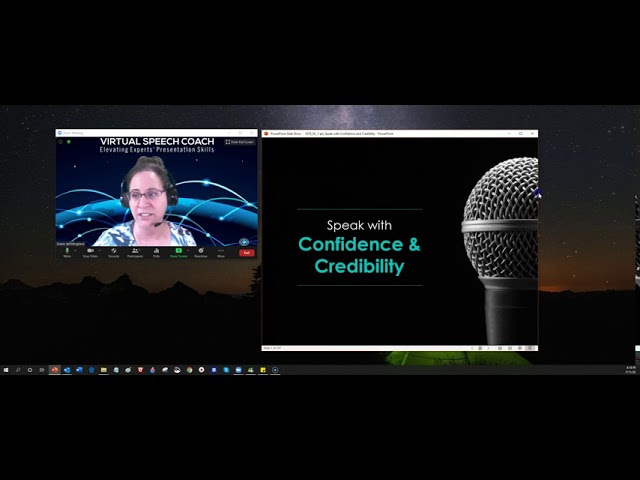
Way #1: Go to “Set Up Slide Show” in the Slide Show Tab of the Ribbon and select the second choice “Browsed by an individual window” Way #2: Collapse the ribbon and drag the vertical divider bar between the thumbnails on the left and the single slide so that the thumbnails “disappear”
100 Tips & Tricks to Appear Confident in Presentations: Video Summary
Public Speaking Book only $0.99 for 100 Tips!
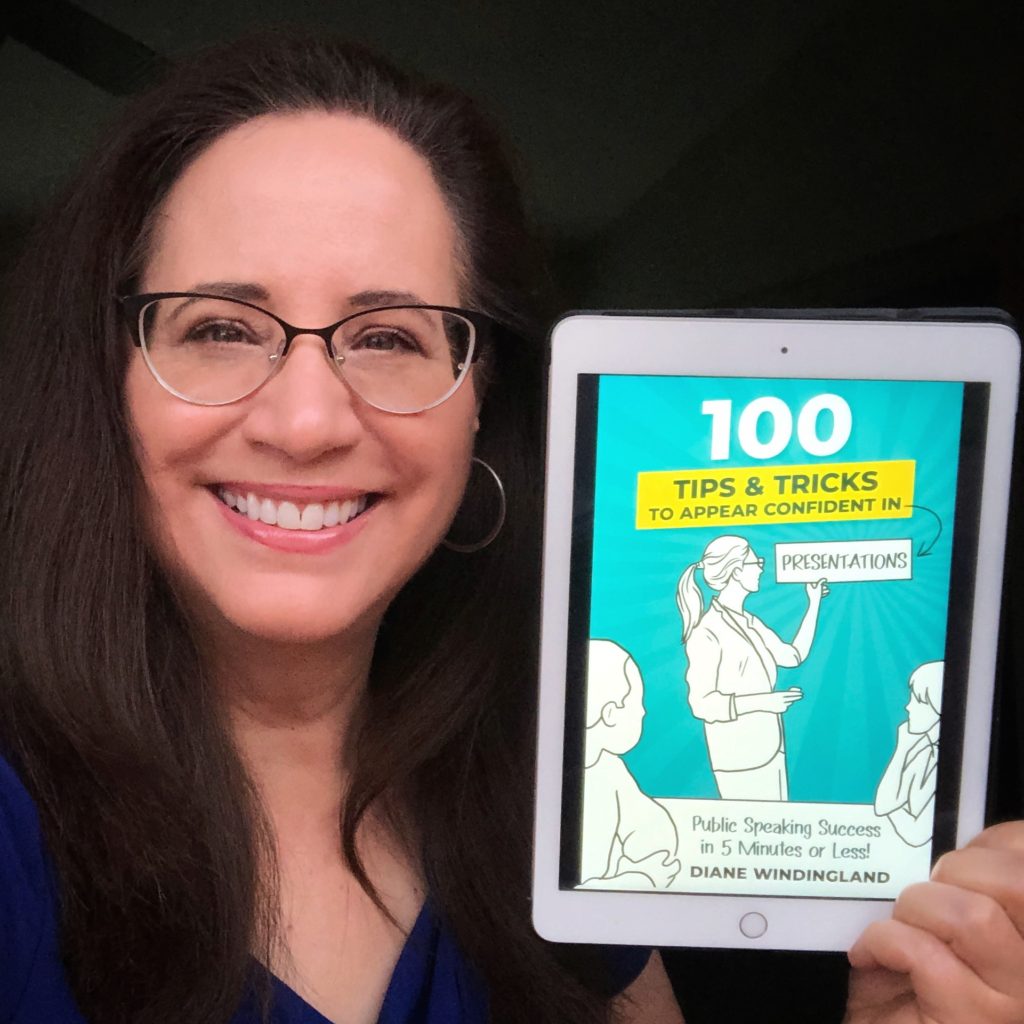
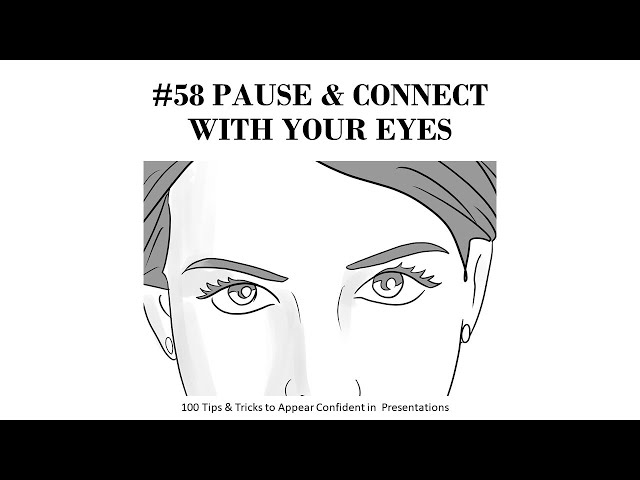
The 100 Tips and Tricks in this book are techniques and strategies I learned through my years of presenting and coaching speakers, and now through May 8, 2020, you can get the ebook for only $0.99. Here’s a sample tip (screen shot):
Book Launch Special $0.99 thru May 8, 2020
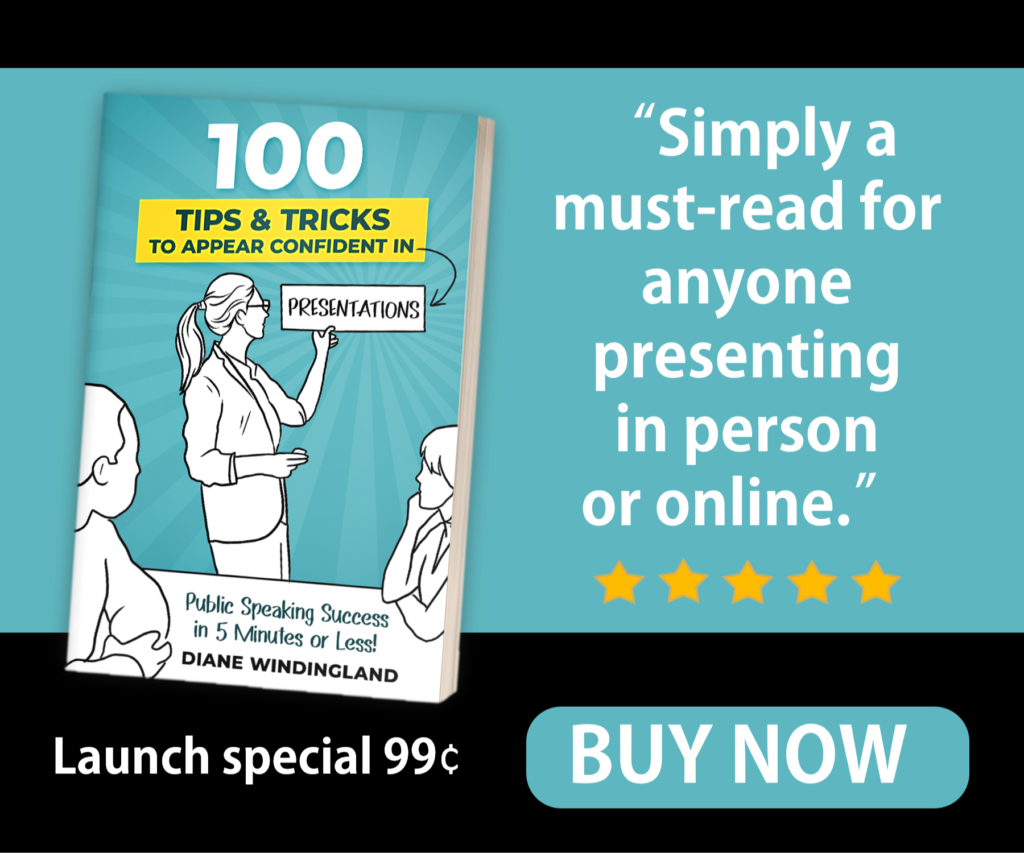
Get your confidence on!Get my latest book, 100 Tips & Tricks to Appear Confident in Presentations: Public Speaking Success in 5 Minutes or Less! for only $0.99 for the ebook on Amazon. The paperback is $9.99. Practical, Illustrated tips, one to a page, will boost your skills and confidence! Editorial Review: An easy to read, […]
Top-Rated Kindle Book on Public Speaking FREE until 7/11/19
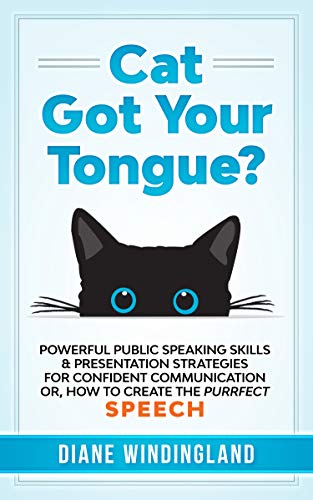
For just a few days, I’m offering the Kindle version of my top-rated book on public speaking FREE–yours for the taking, but you have to nab it by 7/11/19!
PunchSlide Design Presentation Slide Makeover
Great slides will not compensate for an otherwise lackluster presentation, one that doesn’t have a clear message or isn’t engaging. That’s primarily what I work on as a presentation coach (slides are usually the last part of my content development process, and I do not consider them required for most presentations, except webinars). But, your […]
Speak with Confidence and Credibility Webinar (practice session)
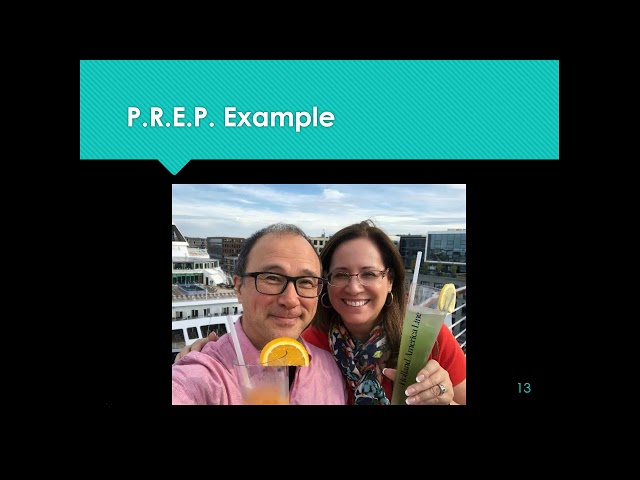
In this 51-minute webinar practice video (I’m giving a webinar for the TCSHRM–Twin Cities Society for Human Resource Management in a couple of weeks), you will learn 6 Power Tips to Speaking with Confidence and Credibility (it’s not perfect, but I am modeling my belief in practice & dress rehearsal!): Structure with PREP Create Catchy […]
10 Ways to Make a “Boring” Workshop Topic Exciting
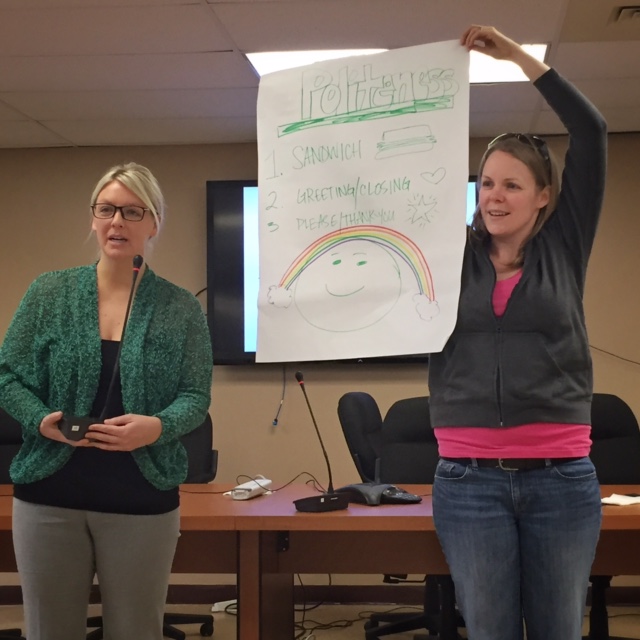
Have you ever wondered how to create engagement for a “dry” or “boring” topic? Recently, at the end of a 90-minute workshop I conducted on “Email Etiquette,” for a staff development day for an online public school (on-site meeting), the principal walked up to me with a big smile on his face, “I wondered how you could make […]
FREE Public Speaking Class Jan 11 (Twin Cities)
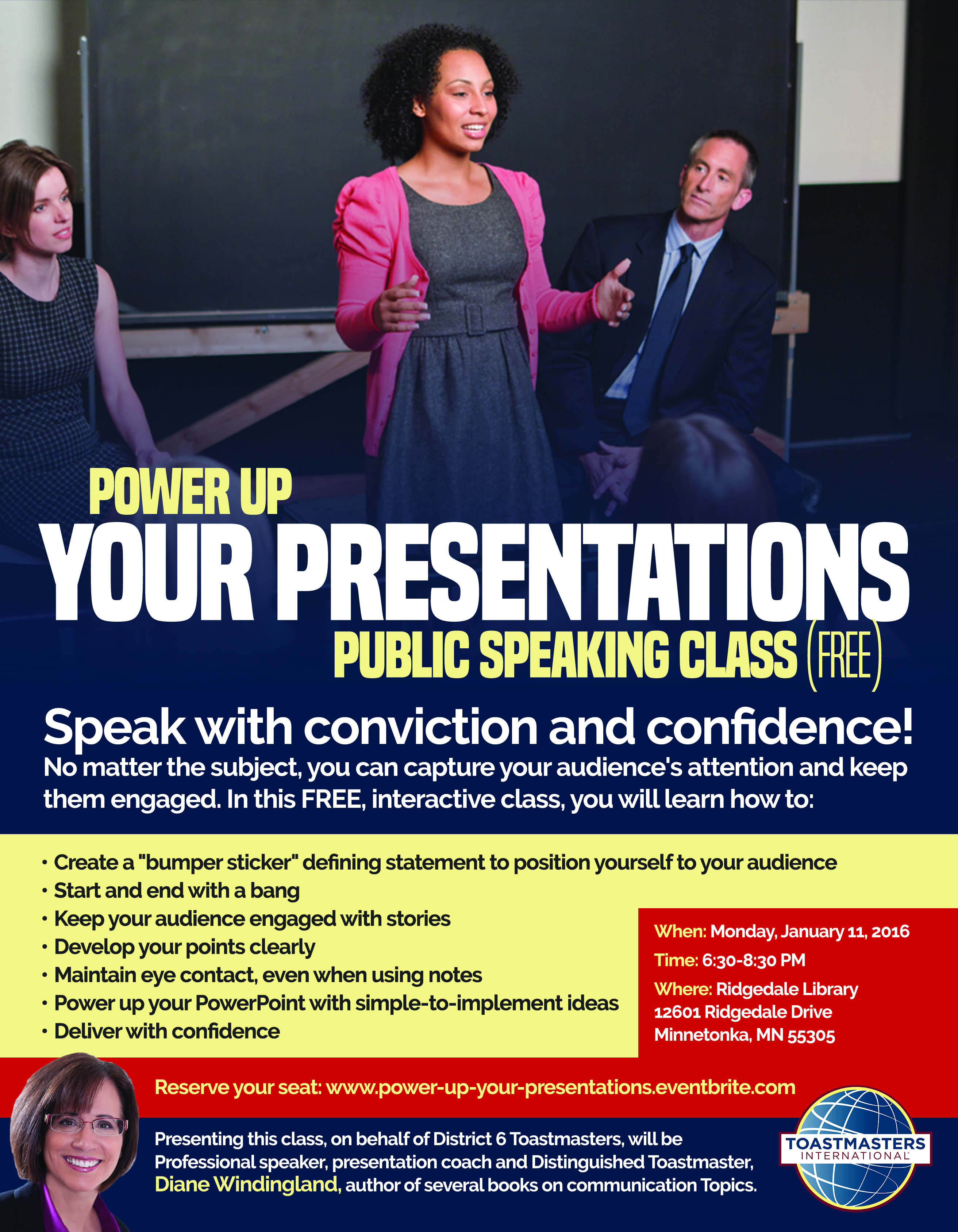
Date: Monday, January 11, 2016 Time: 6:30 PM to 8:30 PM Location: Ridgedale Library (Minnetonka, MN) Link to reserve your seat (free event presented on behalf of District 6 Toastmasters) Speak with conviction and confidence! No matter the subject, you can capture your audience’s attention and keep them engaged. In this FREE, interactive class, you […]
Moving and Combining Shapes in PowerPoint (Video)

Creating (or re-creating) a graphic in PowerPoint is a way to use simple images to create images, icons or other shapes that get your point across, without having to pay a graphic artist, or using someone else’s copyrighted picture. In this 5-minute Jing video, I show how I created the above image. The “combine shapes” feature […]
Tailoring a Keynote: Making the Material Connect

People in your audiences want to feel special, to feel that you understand them and their needs. You can create a presentation that connects with a particular audience by tailoring your existing content to connect with them. Would you like to “look behind the curtain” and see my process? It may give you some ideas […]
Tailoring Your Presentation to the Audience

Even if you have a “canned” presentation, you will want to tailor it for each audience, to better connect and engage the participants, and to specifically address topics related to your presentation that the meeting planner deems important. Through a discovery process of asking questions of the meeting planner and of conducting short, informational interviews […]
3 PowerPoint Photo Tips (Video)
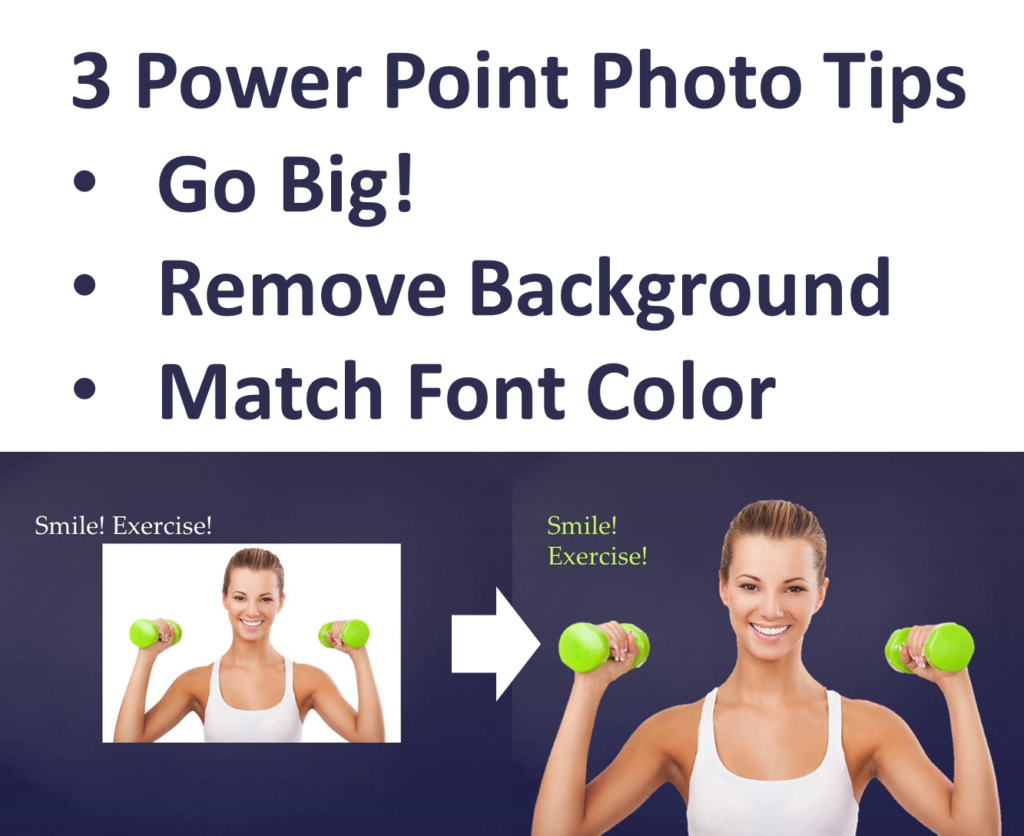
You can take your PowerPoint slides from ordinary to awesome with 3 simple tips shown in this video (4:22): 1. Make your picture BIG! 2. Remove the picture background 3. Match the font of your text to a color in the picture Bonus Tip: If you want to grab the colors from something online, you can […]
Using Quotes in PowerPoint–Video
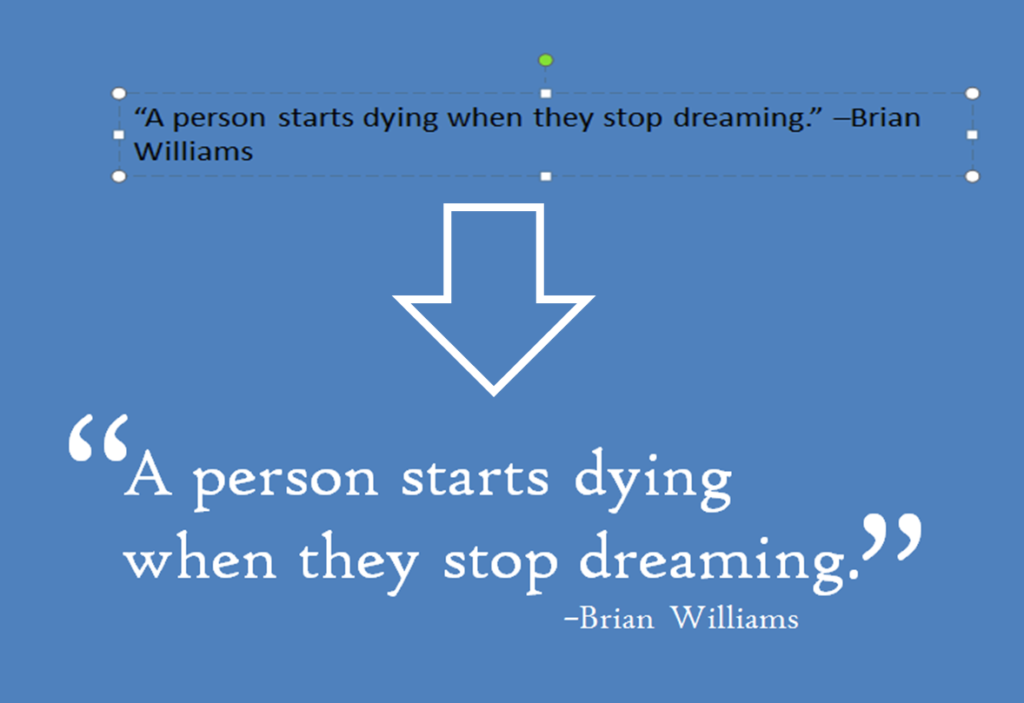
You get two tips today! Tip #1: Make your quotes look better in PowerPoint. Click below to see the 4-minute Jing video I made on using quotations in PowerPoint: BonusTip #2: Create short videos to explain “how to.” For the above video, I used Jing, a free screen capture tool. Not all of your presentations may be […]
Virtual Engagement: How to Sound More Conversational
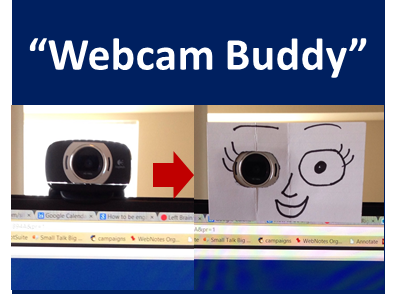
How can you be more engaging and sound conversational when speaking virtually, on webinars. Skype, or conference calls? Here are a couple of low-cost tips:1. Look into the webcam while speaking. It’s not so easy, but here is a low-cost, low-tech solution to encourage you to look into the web cam: a “Webcam Buddy,” a face […]
Virtual Communication Skills–Bridging the Digital Divide (Video)
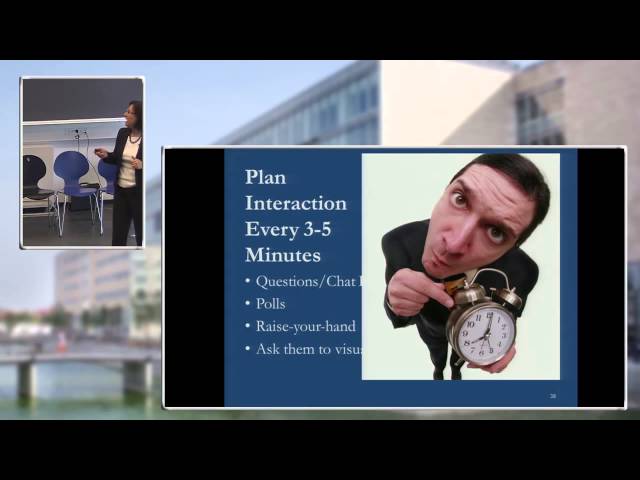
Virtual communication, communication using technology to communicate across continents, cultures, languages and time-zones, is quickly becoming the norm. You can discover practical methods for collaborating and presenting virtually in the video below (34 min, presentation given at a conference at the University of Copenhagen last month–don’t worry, only my speaker introduction is in Danish).Ready. Set. […]
PowerPoint on iPhone or iPad: Practice and Present

If you have an iPhone or an iPad and you do PowerPoint presentations, you will want to get the free SlideShark app. I’ve used it on my iPad to do one-on-one presentations and I’ve also used it on my phone to practice presentations. You can also broadcast your presentation to the web and connect your […]
The Pause that Refreshes

Don’tyouhateitwhenspeakersneverpause? Pausing is to speaking as punctuation is to writing. Both enhance comprehension. Pausing is perhaps even more important because a live audience can’t go back and re-listen the same way a reader can go back and re-read. Pausing increases comprehension in several ways. Pausing: Reduces the overall rate of speaking Gives the audience time […]
Easy PowerPoint Principles for Leaders Webinar
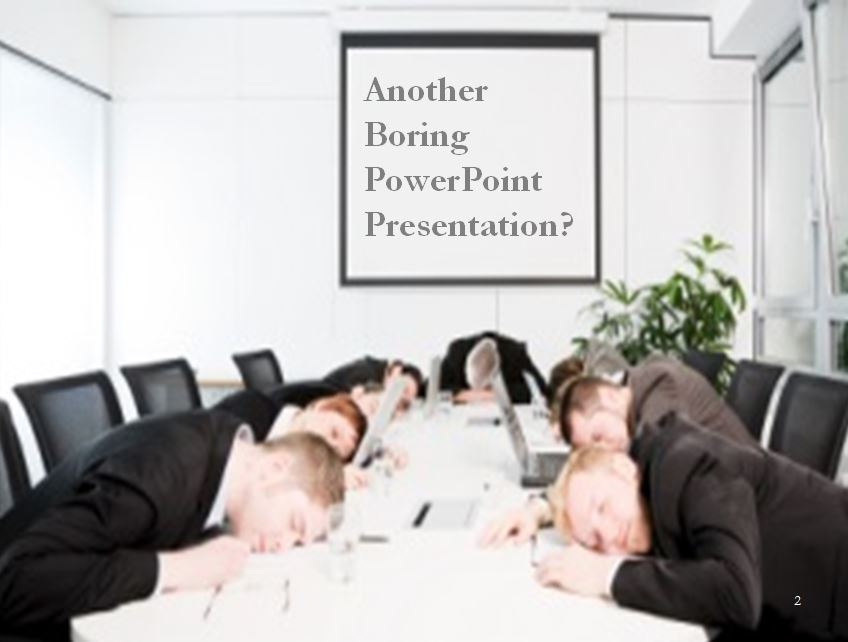
Don’t let your PowerPoint presentations be the cure for insomnia! In this one-hour webinar on PowerPoint (originally presented on 4/9/2013 for Executive Women International), you will: Learn how to plan your presentation Discover 4 easy design principles Learn a few tips and tricks Learn how to deliver with confidence Webinar (one-hour) slides only Click on […]
Post-It Notes to PowerPoint: Planning Powerful Presentations
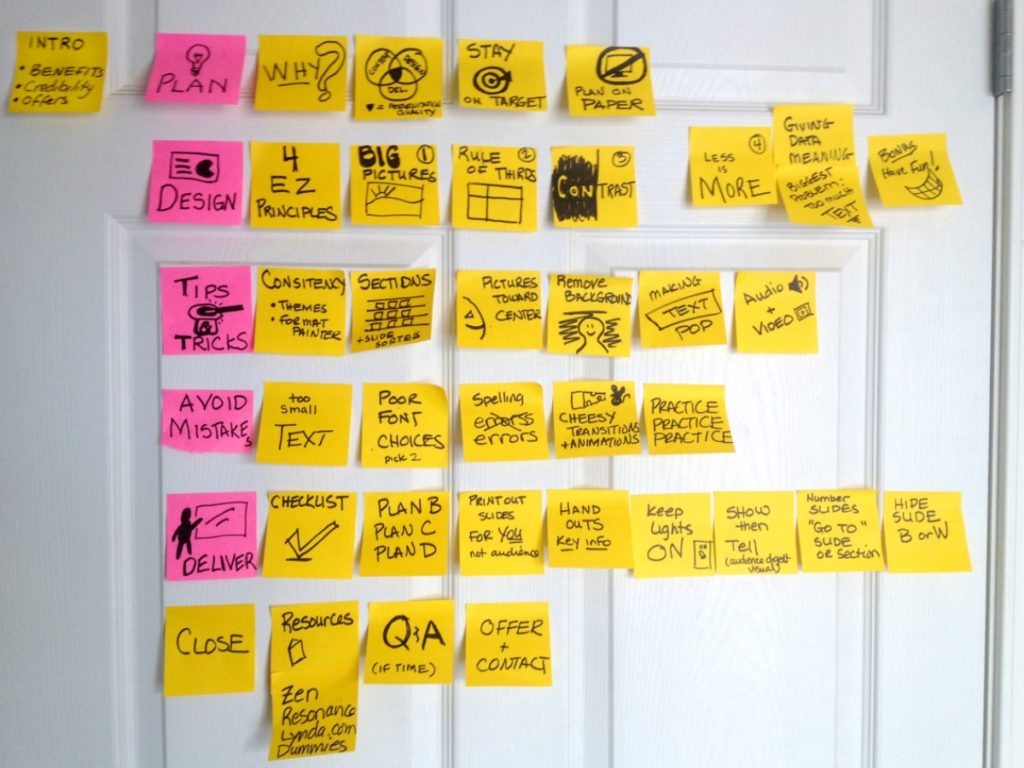
The lowly Post-It note can help you plan a more powerful presentation, especially if you are presenting with PowerPoint. Even if you aren’t using PowerPoint, the little sticky notes can help you brainstorm and organize the flow of your presentation (Post-It Note Speech Planning). The photo above is a picture of my Post-It note planning […]
Post-It Note Speech Planning
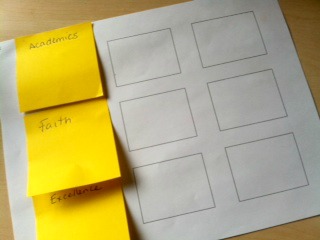
Use the lowly sticky note to bring your presentations to new heights! The little squares of paper can help you design a presentation for maximum effectiveness, while allowing the flexibility of changing your mind and trying out new approaches. 1. Brainstorm with sticky notes. This can be done alone or in a group. You can […]
How to Adjust Your Speech When Your Allotted Time Changes
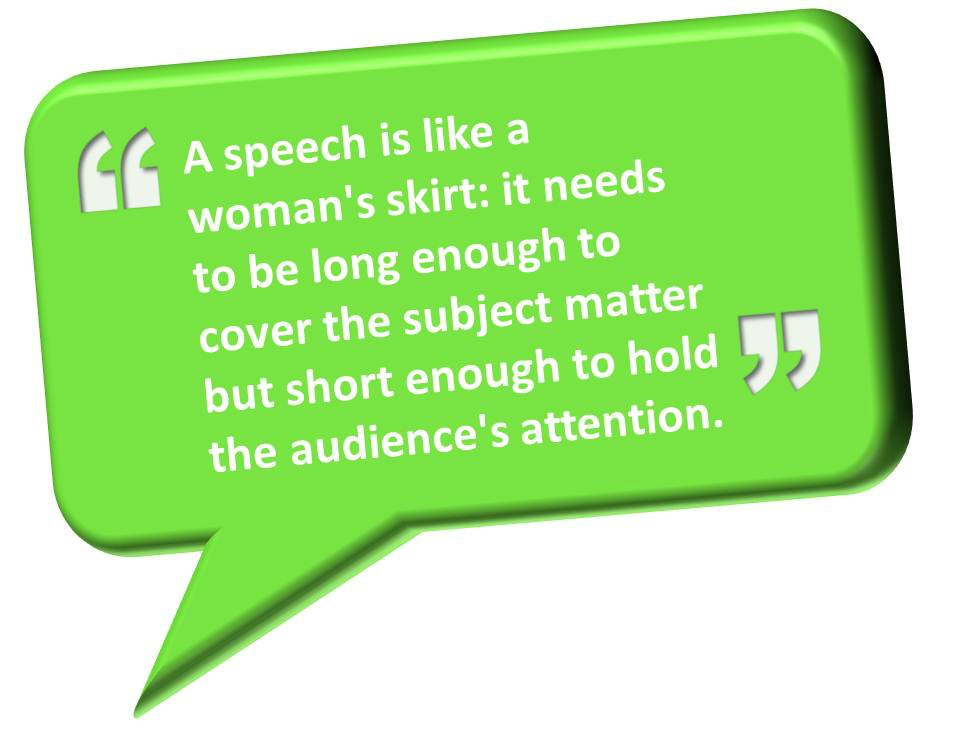
As the time for his speech to end came and went, the well-known, retired news anchor showed no signs of closing. My speaking slot was after his, and it was apparent I wasn’t going to get the full 60 minutes I had been asked to prepare for. Five minutes. Ten minutes. Finally, at 15 minutes […]
4 Easy Ways to Power Up Your Power Point
I have to admit it–I’m not a big fan of PowerPoint presentations. Not as they are usually done, anyway! A bunch of text or data thrown on a screen isn’t very engaging. Worse yet is when people read their slides. However, there are a few things you can do for your very next presentation that […]