
10 Uses for Sticky Notes in Speaking

#1: Storyboard your speech #2: Plan your book or blog content #3: Reminders #4: Clean your keyboard #5: Brief speech notes #6: Practice eye contact #7: Stage movement #8: Mark reference to read in speech #9: Audience activities #10: Have fun! Be creative
Will You Stand Up?
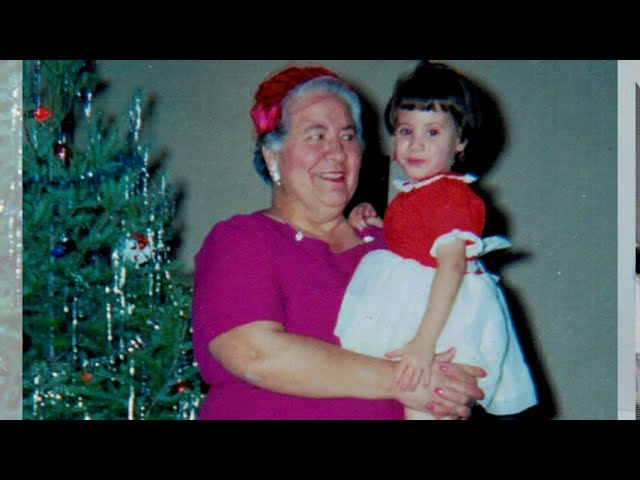
Grandparents Day is this Sunday, 9/13, and that made me think about my grandmother, my Italian Nana, and a leadership lesson she taught me about standing up for those with less privilege, standing up for those with less power. The video below is a narrated PowerPoint that I originally gave as a speech a couple […]
10 Ways to Increase Your Speaking Energy
When you speak, do you want to put people to sleep? Do you want people to think you don’t really care about your topic? Do you want people to think you lack energy? Of course not! Below are 10 Tips to Speak with More Energy (video + list): 1. Check your posture (especially if sitting). […]
NEW! Group Program: Virtual Presentation Success

“Thank you for the outstanding job on facilitating the Virtual Speech training. I learned multiple things, some of them I had an idea, others were new. It provided great value for our time”–training participant Live, online group training + individual coaching Download the complete program description Build fundamental skills essential to presenting in a virtual […]
The 5 Top Ways to Look Bad on Zoom
The “Covid 15”
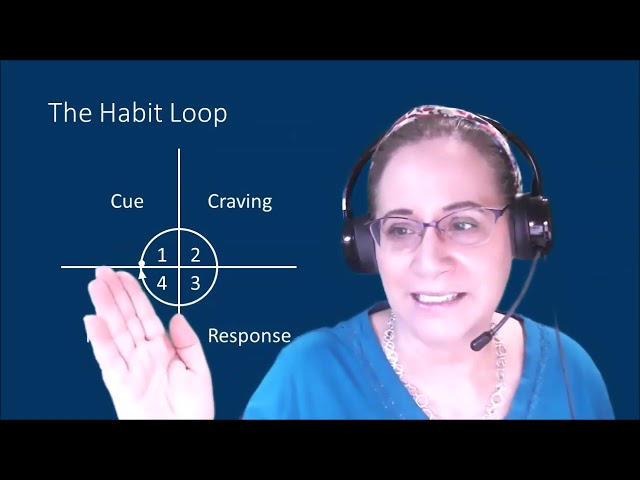
Do you want to create good habits or break bad habits? Using the example of the “Covid-15” weight gain, I show how to apply concepts from the book Atomic Habits in the following video (6:23, which was a practice for a speech that I’m giving tonight for my Readership Toastmasters Club). There are also a […]
8 Tips to Speak with Confidence (video)
In this narrated PowerPoint video (16:26), you will be encouraged to speak with confidence, perfection not required! The 8 speak with confidence tips in this video:1. Reframe Failure 2. Practice 3. Get Excited 4. The Power Pose 5. Just Breathe 6. Dress for Confidence 7. Prepare for Questions 8. Have a Response Framework for Answering […]
How to Get People to Do What You Want Them to Do (Like Wearing Masks)

Would you like to change someone’s behavior? To do something they might not otherwise do? To get your children to pick up after themselves? To get a client to buy your product or service? To get people to wear masks in your business/city? (a timely, but controversial example!) Often, it is not enough to merely […]
2 Ways to Share PowerPoint in Zoom So the Slides Don’t Take Up the Whole Screen (& hide thumbnails)-Video
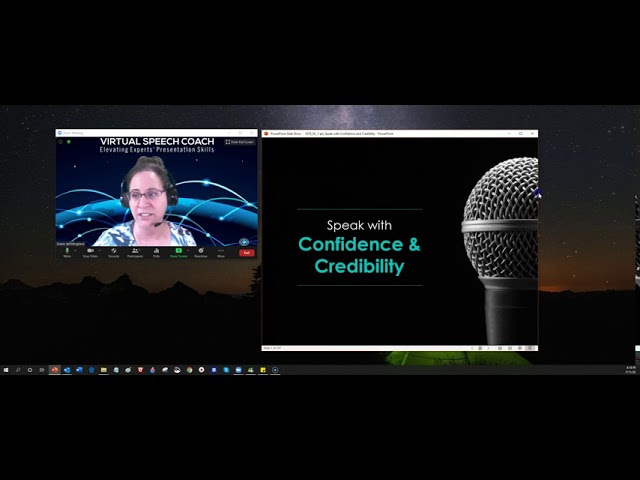
Way #1: Go to “Set Up Slide Show” in the Slide Show Tab of the Ribbon and select the second choice “Browsed by an individual window” Way #2: Collapse the ribbon and drag the vertical divider bar between the thumbnails on the left and the single slide so that the thumbnails “disappear”
How to Create a Presentation Using Virtual Backgrounds on Zoom
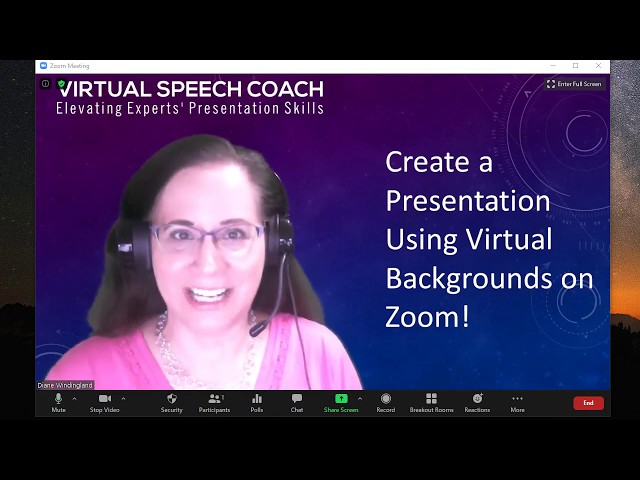
Do you want your audience focused more on you than on your slides when you present on Zoom? One solution is to use your slides as virtual background. The steps in the video are to: 1. Use PowerPoint in the 16:9 aspect ratio (wide screen) 2. Create your slides with content on one half (minimal […]