
Mini-Workshop: Make a Great First Impression Online
Make a great 1st impression online! Learn how in this Mini-Workshop (29 minutes). -Look Professional Online -Wield Tools of Engagement (online or in-person) -Tame the Technology Monster This presentation was in front of a live, virtual audience for PowerTalk Power Club (some of the audience interaction was edited out). RESOURCE PAGE MENTIONED IN THE VIDEO […]
Stop Flashing People on Video Calls!
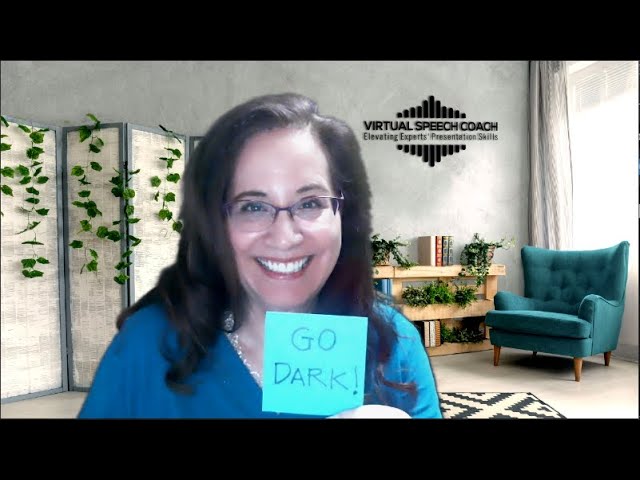
To avoid the tell-tale flashes of bright on your face during a video call when you check email, a website (or sneak a peak at Facebook), you can change several settings to a dark mode (Outlook, Chrome, PC settings) In the video below, I share how to: 1. Change Outlook to Dark Mode 2. Get […]
3 Ways to Share Slides as Zoom Background
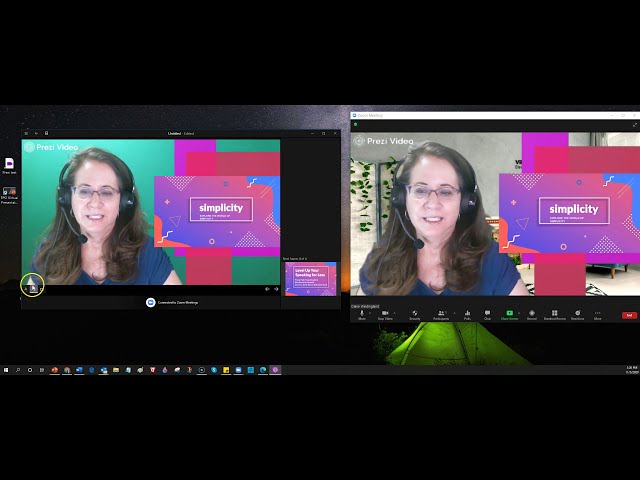
Have you noticed when you have been in the audience for a Zoom meeting and the speaker is sharing slides, how small the video looks? Of course, you can change your view option to “side-by-side” and adjust the relative sizes of the shared content and the speaker video, but do you want to count on […]
11/11/20 Free Online Training: VIRTUAL PRESENTATION SUCCESS
Date: Wednesday, November 11, 2020Time: 1:00 PM – 2:00 PM CST Register Register on Eventbrite Build fundamental skills essential to presenting in a virtual environment. Virtual Presentation Success introduces you to the unique virtual presentation environment, familiarizes you with common platform tools (specifically in Zoom), and digs deep on how to design a presentation to […]
NEW! Group Program: Virtual Presentation Success

“Thank you for the outstanding job on facilitating the Virtual Speech training. I learned multiple things, some of them I had an idea, others were new. It provided great value for our time”–training participant Live, online group training + individual coaching Download the complete program description Build fundamental skills essential to presenting in a virtual […]
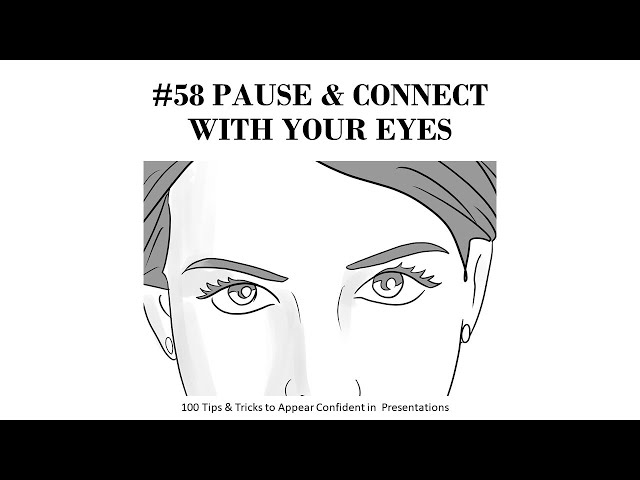
100 Tips & Tricks to Appear Confident in Presentations: Video Summary
Public Speaking Book only $0.99 for 100 Tips!
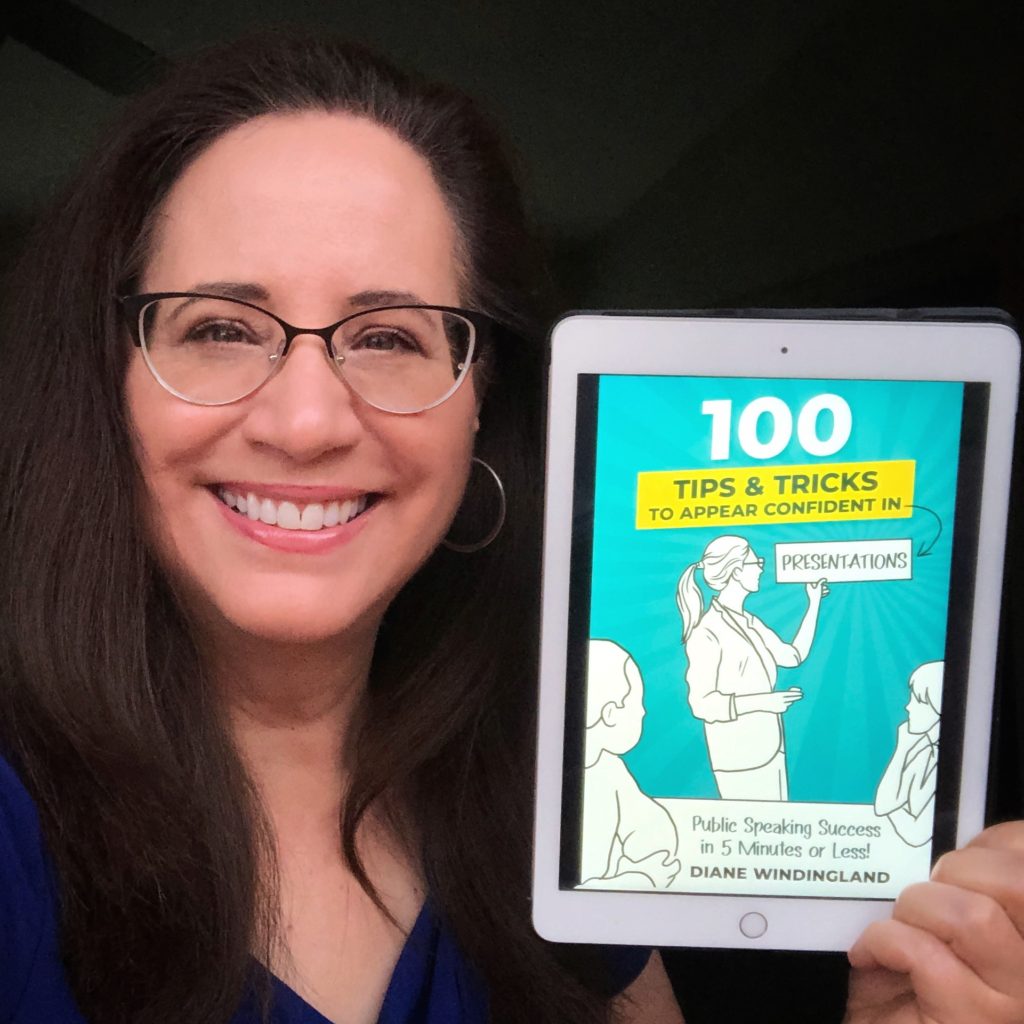
The 100 Tips and Tricks in this book are techniques and strategies I learned through my years of presenting and coaching speakers, and now through May 8, 2020, you can get the ebook for only $0.99. Here’s a sample tip (screen shot):
Book Launch Special $0.99 thru May 8, 2020
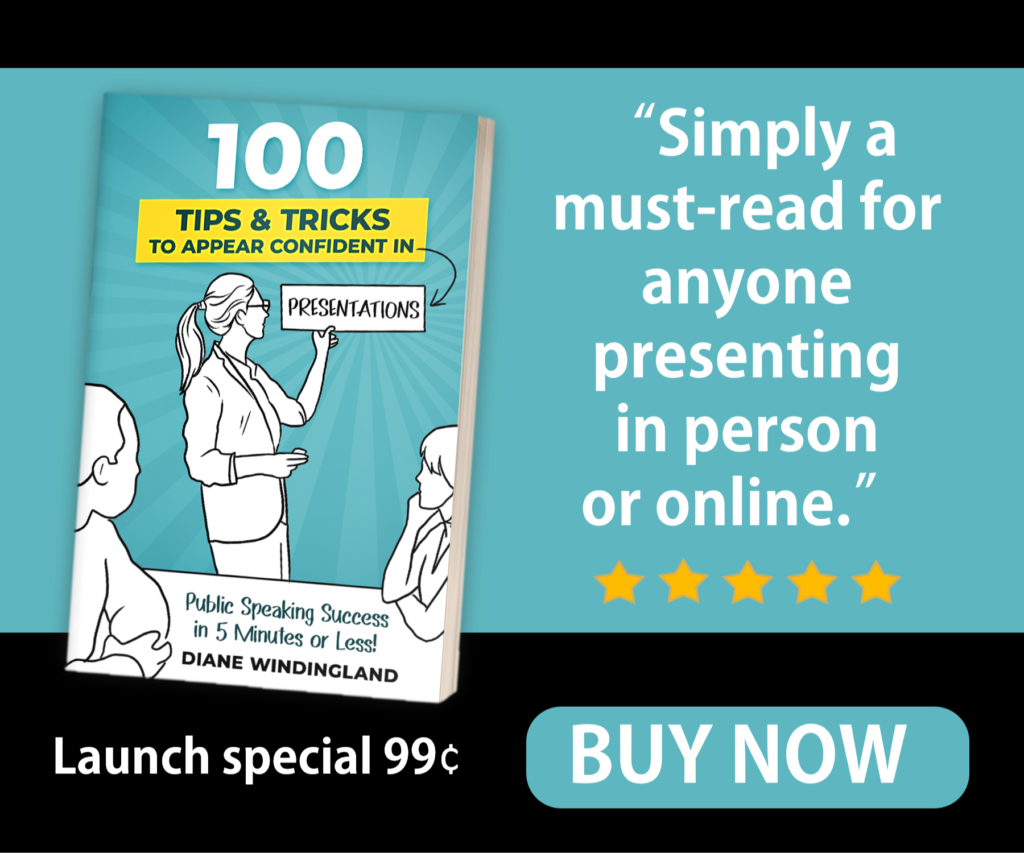
Get your confidence on!Get my latest book, 100 Tips & Tricks to Appear Confident in Presentations: Public Speaking Success in 5 Minutes or Less! for only $0.99 for the ebook on Amazon. The paperback is $9.99. Practical, Illustrated tips, one to a page, will boost your skills and confidence! Editorial Review: An easy to read, […]
Hide the Mess: Green Screens
In my quest to improve the appearance of my videos, I recently purchased a collapsible green screen and stand. Now, I can hide the mess behind my desk with a virtual background. Here’s the green screen and stand I ordered on Amazon: Fancier Studio Collapsable Backdrop ($39.99, 5X7, green one side, blue other side)Fovitec Clip […]
Virtual Engagement: How to Sound More Conversational
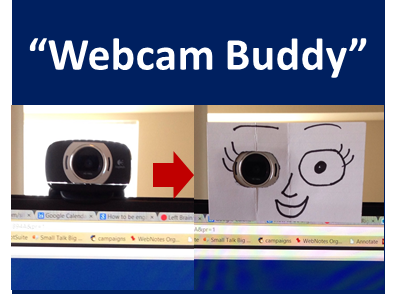
How can you be more engaging and sound conversational when speaking virtually, on webinars. Skype, or conference calls? Here are a couple of low-cost tips:1. Look into the webcam while speaking. It’s not so easy, but here is a low-cost, low-tech solution to encourage you to look into the web cam: a “Webcam Buddy,” a face […]
Virtual Communication Skills–Bridging the Digital Divide (Video)

Virtual communication, communication using technology to communicate across continents, cultures, languages and time-zones, is quickly becoming the norm. You can discover practical methods for collaborating and presenting virtually in the video below (34 min, presentation given at a conference at the University of Copenhagen last month–don’t worry, only my speaker introduction is in Danish).Ready. Set. […]
Tips for Speaking Using an Interpreter on a Web Conference
Imagine speaking via a web conference to an audience half-way across the world who doesn’t even speak your language. As our world grows more connected, it is likely that you will have this experience, if you haven’t already. How can you avoid some pitfalls? In a word: preparation. On Sunday, I presented via Adobe Connect […]